
Best ChatGPT prompts for 2026: 9 templates worth saving
Nine ChatGPT prompts worth keeping: an audience rewrite, a performance-review draft with an exaggeration check, a GTA 6-style portrait and more. Plus where they break.
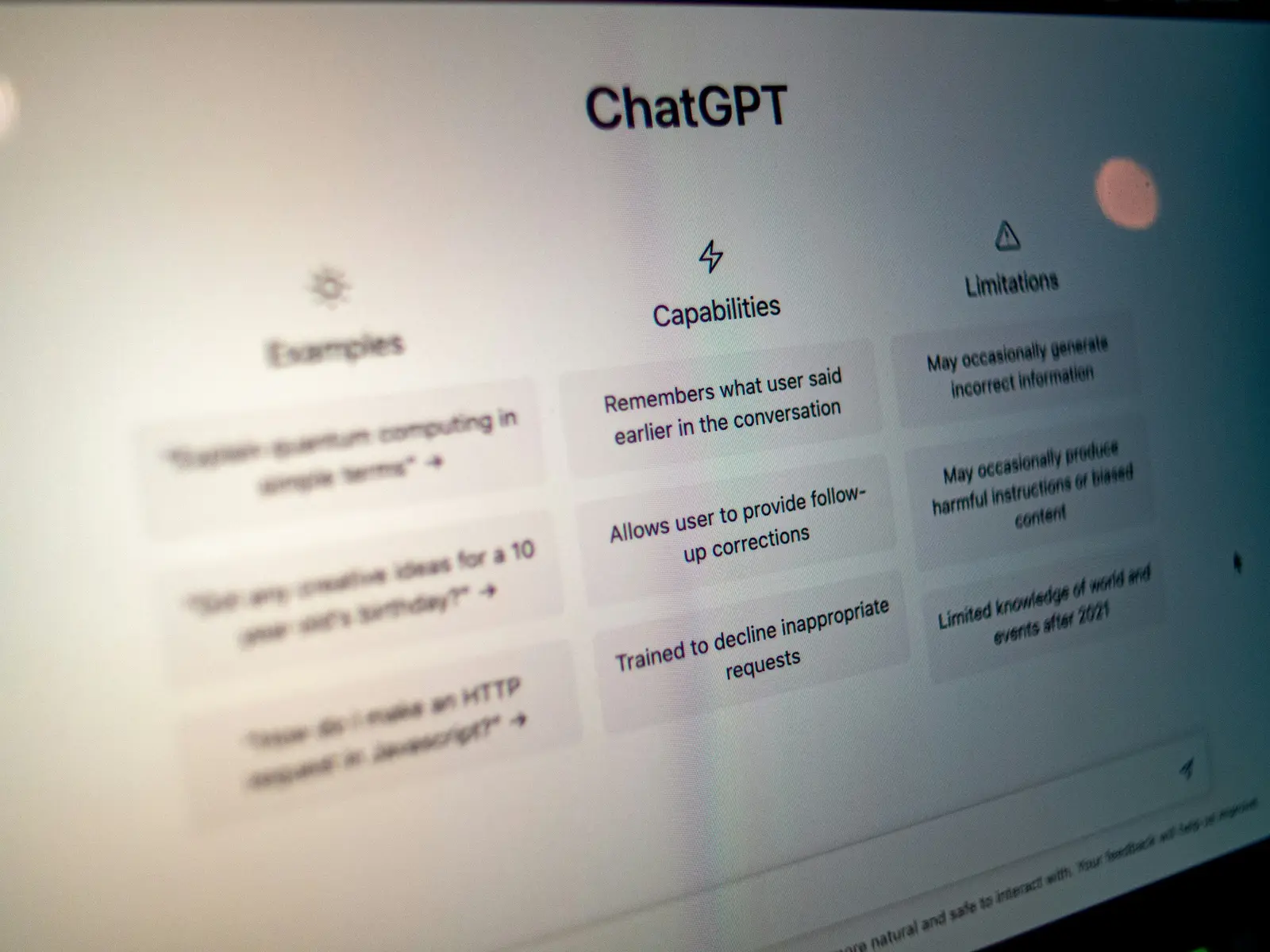
The best ChatGPT prompts read like a short spec: a role, a named audience, the output format, and one constraint the model cannot guess. Ask for "a sales email" and ChatGPT has to invent the audience, the tone and the length, so it picks the safest, blandest version of each. The nine below are the ones I would keep in a pinned note, ordered by how much rewriting they save.
What makes a prompt reusable
Replace nouns with placeholders. "B2B SaaS founders evaluating CRM tools" gives the model something to aim at; "business owners" gives it a category. The templates that hold up define a role, fence the context inside delimiters, state negative constraints ("do not recommend anything that requires new spend"), and describe the output down to column names. That is why several prompts below look like config files.
Treat model claims with suspicion. One prompt library's 2026 guide credits few-shot examples and chain-of-thought instructions with a 35% to 54% bump in accuracy over zero-shot prompting, and lists 200,000-token context windows for OpenAI's flagship. Those figures come from a site selling prompt packs, so read them as direction rather than measurement. Model names written into prompt libraries also age badly, and there is a checklist of what to fix before you switch.
Writing prompts
1. Reverse-engineer a piece you liked
"Take this piece of writing and break down (1) the hook, (2) the structure, (3) the persuasion moves, (4) the tone, (5) the call to action. Then give me a reusable template I can apply to {my topic}." You get a template and a diagnosis in one pass. Ask it afterwards to quote the exact sentence doing the persuading, because the model tends to describe intent rather than mechanics.
2. Rewrite for one named reader
"Rewrite this for {audience}. Keep every fact. Cut anything they already know. Explain {jargon term} in one clause. Under {number} words." The jargon clause is the one people skip, and without it you get either the term unchanged or a paragraph of definition. This is the popular tone-personalization prompt with a word limit attached, so you can compare two drafts instead of two vibes.
3. Turn one post into eight formats
"Repurpose this into a thread of 10 posts, a LinkedIn post under 200 words, an Instagram caption, a newsletter section, a 60-second video script, five FAQ answers, a pull quote, and a one-line summary." Name the lengths or you get eight versions of the same paragraph. Then delete six of the eight. The model is better at producing options than at judging which one fits your account.
Work prompts
4. A performance review with an exaggeration check
Run two prompts in order. First: "Here are my notes for the term in {tags}. Draft Achievements, Efforts and Initiatives, and Challenges and Future Actions. Use only what is in the notes and mark anything you had to infer." Second: "Compare the draft against my notes. List every phrase the notes do not support, and flag inflated verbs such as spearheaded, drove and significantly improved." A November 2026 write-up on note.com ran this approach against Claude using fictional sales, accounting and support notes. Claude turned "I didn't take time to study" into "I was unable to secure study time due to a busy workload," and a visit count still under discussion with a manager became "increased to 10 per month." A supervisor reads your notes against the submitted text, so the check pass is the part that protects you.
5. A brief with hard limits
"Act as {role}. Context: {paste}. Constraints: nothing that requires new spend, no more than five items, and each item must cite the line of context it came from. Output a table with columns Decision, Reason, Risk." The citation requirement does the work here; it makes invented reasoning visible on the page instead of buried in fluent prose.
6. A code review that leaves your file alone
"Review this diff. List defects first with file and line, then style issues. Do not rewrite the file; give one patch per defect." Ask for the defect list before the patches. Without that order the model rewrites everything, and you spend the saved time reading a diff you did not ask for.
Image prompts
7. A GTA 6-style portrait from your own photo
"Turn this photo into a GTA 6 portrait, keeping my face, hair, and skin tone identical. Set me on a sunset Vice City street with palm trees and pastel Art Deco buildings. Use bold outlines, cel-shaded lighting, and a pink, orange, and teal palette." Upload a front-facing, evenly lit photo: the same writeup notes that side angles and dim shots change the face. Add "keep the face true to the original photo" and ask for a 4:5 or 9:16 frame if it is going on Instagram. Renders come back in under a minute in the ChatGPT app, per that report. Use your own photo, not someone else's.
8. A follow-up edit instead of a re-roll
"Keep everything else identical. Change only the background: more palm trees and a warmer sunset." Naming what stays fixed is what makes the edit work. Re-rolling the whole prompt regenerates the face as well, and you start over.
A planning prompt
9. Thanksgiving, planned backwards from the day
"Act as my personal Thanksgiving planner. Thanksgiving is November 26 and I am hosting {number} people. Build a preparation plan starting today: what to buy and when, what to cook in what order, what can be made ahead, and what to delegate. Flag anything that has to happen on the day itself." Change the date for another holiday and the structure holds. The delegation line is worth keeping; without it the plan quietly assumes you do all of it.
Where these prompts break
Two failures cover most of it. Unfilled placeholders: leave {audience} as typed and you get a paragraph about "your audience." Invented specifics: the visit count in prompt 4 is the clean example, and it happened with the real notes sitting in the same chat. Keep pasted notes short and inside delimiters. A 200,000-token window does not make a model better at finding the one line that matters, and long context costs more per call.
Free tier or paid
All nine run on the free tier. Pay when you hit a cap mid-task or need the newest model for a long document. The sources used here do not list a current Plus price, so check OpenAI's pricing page on the day you decide. On the API, the cost lever that matters is prompt caching: one library's guide puts the discount at 50% on cached input tokens, or $1.25 per million, for static prefixes over 1,024 tokens. Put fixed instructions first and variable text last.
7 / 10
Best for People who run these prompts most days and keep hitting free-tier caps in the middle of a task
Pros
- One chat handles both the text prompts and the image prompts
- Account settings control whether your chats can be used for training
- Prompts you build here carry over to API calls unchanged
Cons
- Model lineup and limits change often enough to break saved prompts
- The sources here do not publish a current price, so budget from OpenAI's page
- Most of the nine prompts run fine without paying
Worth the subscription if ChatGPT is already part of your working day. Skip it if these nine prompts are all you need, because they run on the free tier and the paid tier will not make them smarter.
FAQ
- What is the best ChatGPT prompt to start with?
- The audience rewrite in prompt 2. It is short, it fixes the most common complaint about generic output, and it teaches the pattern behind the rest: name the reader, keep the facts, cap the length. Run it on something you have already published so you can compare the two drafts directly.
- Do longer prompts with more context work better?
- Only when the extra words add information. A 200,000-token window is not a substitute for short notes, and a padded prompt buries the instruction you care about. Give the role, the constraints and the output format, then paste only the source text the answer needs.
- Why does ChatGPT invent numbers in my performance review?
- Your notes have gaps and the model fills them with plausible detail. In the note.com test from November 2026, a visit count still being negotiated became "increased to 10 per month." Run the second check prompt and delete anything the notes cannot back up before you submit.
- Are paid prompt packs better than free ones?
- Mostly no. The patterns repeat across every library: role, delimited context, output schema, negative constraints. Free collections already publish hundreds of these. Pay only when a pack covers your specific job and you can see sample prompts before buying.
Sources
- 10 Most Popular ChatGPT Prompts (Just Copy & Paste)
- The Best ChatGPT Prompts
- 259 Free ChatGPT Prompts (Copy & Paste), Updated 2026
- 100 Best ChatGPT Prompts for Every Use Case (2026)
- Self-Evaluation Comments ChatGPT Examples: 3 Prompts by Achievement Level and Exaggeration Checks
- Want GTA 6-style selfies and photos? Try these ChatGPT prompts
- 7 ChatGPT prompts to make your Thanksgiving prep easier
More tools worth a look
OpenAI GPT-6.2 prompting tips: what to fix before you switch
OpenAI published three prompt templates for GPT-6.2 Astra and Sol. The one that matters most: Astra is terser by default, so 'be concise' now overcorrects.
Best AI image generator in 2026: Google takes 93%, ChatGPT 74%
ZDNET scored six generators across 30 checks each: Nano Banana 93%, ChatGPT 74%, the rest under 55%. What each tool is good at, and which free tier to start on.

How to use AI at work when 21% of US staff already do it
AI at work pays off on the tasks that repeat: first drafts, thread summaries, meeting notes. Here are five to hand over, plus the data settings to check before you paste anything.