
Best AI image generator in 2026: Google takes 93%, ChatGPT 74%
ZDNET scored six generators across 30 checks each: Nano Banana 93%, ChatGPT 74%, the rest under 55%. What each tool is good at, and which free tier to start on.
The best AI image generator right now is Google's Nano Banana, by a wider margin than this category usually produces. ZDNET put more than 50 images through six generators, 30 checks each, and Nano Banana Pro inside Gemini 3 aced every test for a near-perfect 93%. ChatGPT came second at 74%, and the remaining four scored between 43% and 54%. CNET's testers reached the same conclusion at the top, naming Nano Banana 2 the best overall model with 8.5 out of 10.
Where the three rankings disagree
The order below the winner is contested. CNET ranks Adobe Firefly (8.0) and Canva (7.5) above ChatGPT Image (7.0), and gives Midjourney its lowest score at 6.5. AI Comparison, whose prices were checked on official pages in November 2026, puts ChatGPT Images 2.0 first overall and Gemini second as the best free option. All three sources agree on the shape of the field: Google and OpenAI are the two you compare first, and the 19-point gap between them is bigger than the spread across the other four.
Google's Nano Banana: best overall
Nano Banana earns the top spot on editing as much as on generation. CNET rates it for keeping the same character consistent across a set of images, for realism, and for revising a picture you already have rather than starting a prompt from scratch. It can also spell: legible text inside an image is a feature here, not a lucky accident. The costs are speed and small print. Generation takes longer than the competition, and CNET found that information baked into graphics can come out wrong, which matters if the image is a chart or a product label. The free door is the Gemini app, which does generation and photo edits without a subscription.
ChatGPT Images 2.0: best if you already pay for ChatGPT
Nano Banana's closest rival is the image model in ChatGPT, listed as Images 2.0 in AI Comparison's roundup and as ChatGPT Image at CNET. ZDNET scored it 74%, second of six, and noted that it rarely mangled text or faces the way the bottom four did. If you already pay for ChatGPT, image generation comes with a subscription you have, so there's no second bill. The workflow is also the easiest of the lot to explain to a colleague: describe the change you want and watch it happen to the picture, no separate canvas.
Midjourney: the art pick with a brand-safety warning
CNET gives Midjourney the lowest score of its six at 6.5, and in the same breath calls it the most creative generator it tested, which tells you what that score measures. For brainstorming, storyboards and anything where you want a look instead of an accurate render, it's the one people keep. AI Comparison names V8.2 the top pick for artistic images. Two cautions: the community lives on Discord, and CNET flagged it for producing too-realistic images of protected characters, which is a problem you don't want in a commercial project.
Ideogram: when the image has to contain words
Ideogram is the text specialist. AI Understanding ranks it first for posters, text-heavy graphics and logos, and AI Comparison gives it the same job. Narrow it to cases where the words are the image: a poster headline, a wordmark, a label mockup. Google's Nano Banana renders legible text too, so try that first if it's already in your stack.
Adobe Firefly: the safer choice for client work
Firefly's selling point is legal, not visual. CNET scores it 8.0 and calls it the best generator for creative professionals, with commercially safe outputs and a home inside Creative Cloud so a file moves into other Adobe apps without an export step. It struggles with text in images, so pair it with Ideogram when the words matter. If you finish in Photoshop, its AI features tag your files, which is worth knowing before you hand over a layered file.
Narrower picks
Recraft suits vector and brand design, Leonardo.AI bundles several models into one app, and Grok Imagine exists for people already inside X. Claid.ai and Riverflow, both marked as partner links by the site that lists them, aim at ecommerce product photos and campaign visuals. None of these won a head-to-head in the sources, so treat them as specialists to reach for when the generalists miss.
Free tiers worth starting on
Every tool worth trying has a free door. Gemini does free image generation and photo edits in its app, which is why AI Comparison names it the best free option. Canva's Magic Media is the gentlest start for someone who has never written an image prompt, though CNET notes the free plan has a hard generation limit. Bing Image Creator is free with no fees attached. ChatGPT and Canva both list free entry with paid plans above it, and the free tiers are the least generous on data settings, so don't upload anything private to test them.
Running Stable Diffusion on your own hardware
Stable Diffusion 3.5 is the open-source route and CNET's pick in that category at 7.0: fast generation, an extensive set of editing tools, and availability CNET calls complicated, because you assemble a model, a user interface and a GPU instead of signing in. AI Comparison lists it for running on your own PC and points developers at FLUX 3 from Black Forest Labs for custom pipelines. Choose this when images can't leave your own servers. The setup cost is real, and the quality ceiling moves with whichever community checkpoint you load.
What to check before you pay
First, which model the app actually runs. Several tools in these lists are front ends over the same few models, so an app that wins on interface can lose on output once the model behind it is a generation old. Second, the data settings: how long uploads are kept and whether they train anything. Third, price. The comparison figures here were checked in November 2026, and this market reprices often enough that an annual plan is a bet on a vendor's roadmap. Pay monthly until a tool has earned two quarters.
9.3 / 10
Best for Anyone who needs one generator for realistic images, consistent characters and edits to pictures they already have.
Pros
- Highest score in the most detailed test in the sources, 93% against 74% for the runner-up
- Edits existing images and holds a character's look across a set
- Renders legible text inside images
- Free tier in the Gemini app
Cons
- Slower generation than the competition
- Small text and data inside graphics can come out wrong
- Model names shift between the Gemini app and the API
Start here and stay on the free tier until you hit its limits. Nothing else in the sources comes close on the same test, and the weaknesses only bite when you're generating charts or labels.
Frequently asked questions
- What is the best free AI image generator?
- Gemini. AI Comparison names it the best free option, and the Gemini app does image generation and photo edits without a subscription. Canva's free plan and Bing Image Creator are the other no-cost routes, though Canva caps how many images you can make.
- Which AI image generator is best for text in images?
- Ideogram. AI Understanding ranks it first for posters, text-heavy graphics and logos, and AI Comparison gives it the same job. Google's Nano Banana also produces legible text, so try that before you add another subscription.
- Which AI image generator is safe for commercial work?
- Adobe Firefly. CNET rates its outputs commercially safe and AI Understanding calls it the brand-safe choice for creative workflows. CNET also flagged Midjourney for generating realistic images of protected characters, so that's the one to avoid when the image goes into an ad.
- Can I run an AI image generator on my own computer?
- Yes. Stable Diffusion 3.5 is the open-source option both comparison sites point to, and AI Comparison lists it for running on your own PC. You supply the GPU and the setup, and CNET calls availability complicated. FLUX 3 from Black Forest Labs is the other developer route.
- Is it worth paying if I only make a few images a month?
- Probably not yet. The free tiers at Gemini, Canva, Bing Image Creator and ChatGPT cover occasional use, and model versions and prices move every few months. Pay for a single month when a project needs a specific tool's strength, and keep the annual plan for work that bills the subscription back.
Sources
More tools worth a look
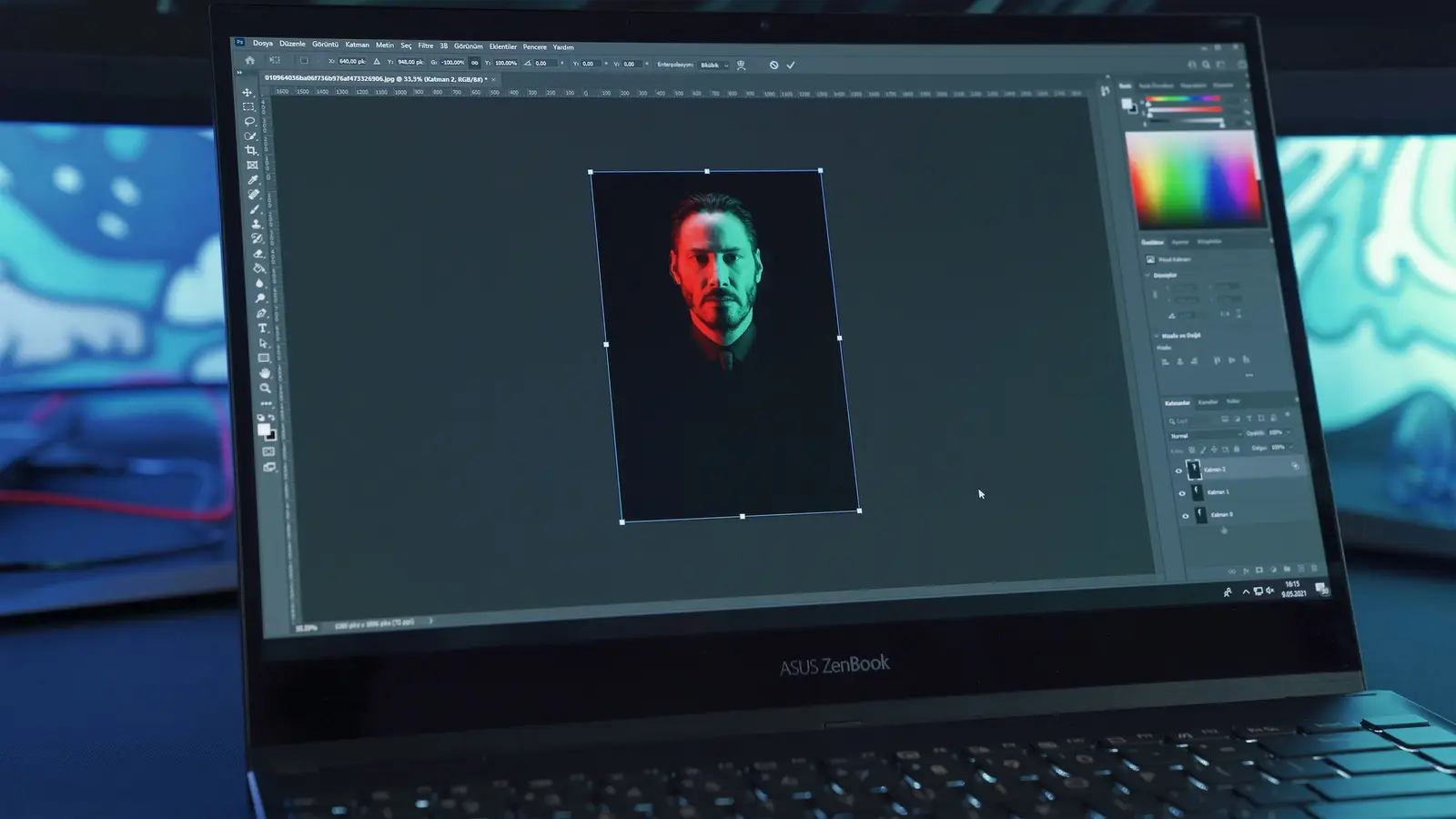
Photoshop's AI update is safe to install, but it tags your files
Adobe's November Photoshop update installs fine, but its AI features can tag exported files as AI-generated. Photojournalists and freelancers under no-AI contracts should wait.
Best ChatGPT prompts for 2026: 9 templates worth saving
Nine ChatGPT prompts worth keeping: an audience rewrite, a performance-review draft with an exaggeration check, a GTA 6-style portrait and more. Plus where they break.
How to use AI at work when 21% of US staff already do it
AI at work pays off on the tasks that repeat: first drafts, thread summaries, meeting notes. Here are five to hand over, plus the data settings to check before you paste anything.